




When a verification code does not arrive, the service has usually turned the number down before sending anything, or delivered the code somewhere other than by SMS. Waiting longer rarely changes that. Match what you see on screen to a cause below, then take the fix that belongs to it.
Five causes, and how to tell them apart
| Likely cause | What to do | |
|---|---|---|
| The service calls the number invalid or not supported | It does not accept this range of numbers | Cancel and pick another country |
| The service says the number is already in use | An account already sits on this number | Switch to another number |
| No error, but nothing arrives | The message was dropped or delayed on its way | Wait about two minutes, then switch numbers |
| Telegram offers no SMS at all | The code went to an app where you are signed in | Check that device, or tap the SMS option if Telegram shows one |
| A code came, but the service rejects it | It expired, or a newer request replaced it | Ask for one fresh code and enter it straight away |
Services rarely explain a refusal, so the wording on screen is the best clue you have.
What to do, in this order
- Check what you typed Compare the country code and every digit with the number shown in the app. A missing digit is the quickest failure to fix.
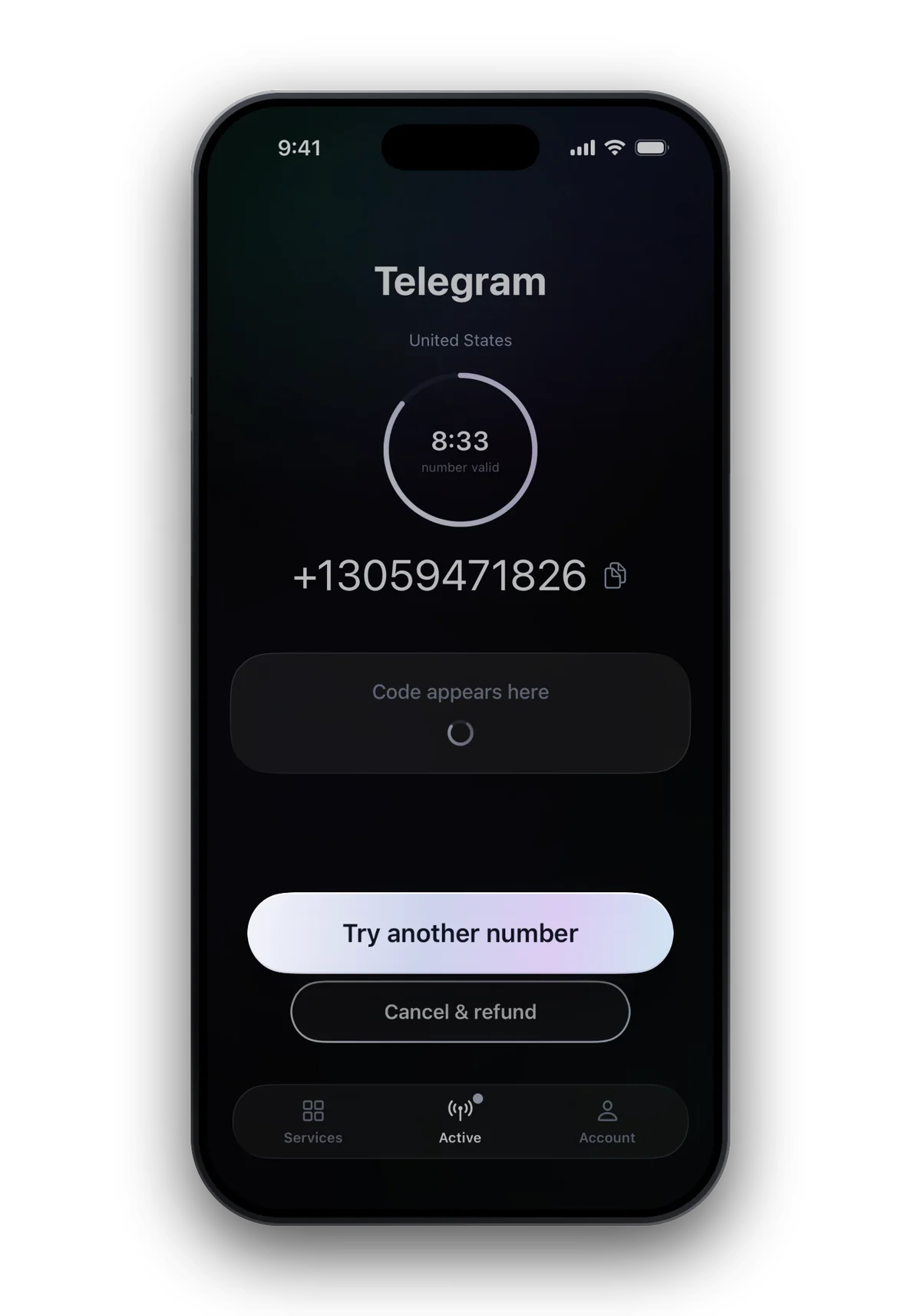
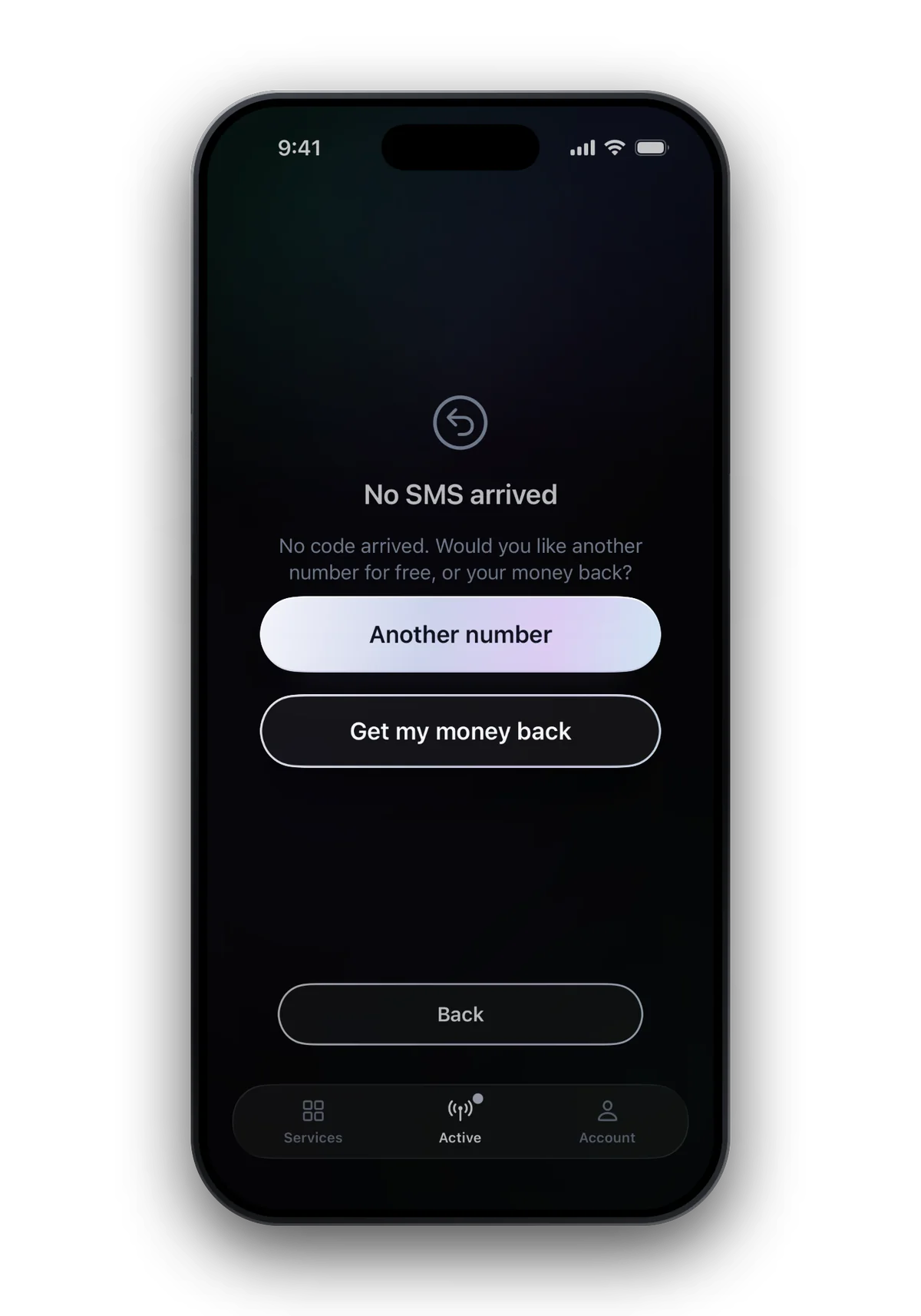
- Give it about two minutes Most codes land within seconds. If nothing has come after about two minutes, the app lets you switch to another number for the same service and country at no extra charge.
- Switch numbers, not attempts Pressing resend again and again rarely helps. Services slow down or block repeated requests, so the next number starts at a disadvantage.
- Change the country If two numbers from one country fail the same way, the service is refusing that range. Choose a country with a better success rate; the app shows the rate before you pay.
- Let the money come back If nothing works, the order ends without a code and you get your money back. On the website the refund goes automatically to the payment method you used.
Services that are stricter than most
Some services turn down numbers more often than others. If you are verifying one of these, read its page before you choose a country:


 WhatsApp at a glance
- Virtual numbers
- Often refused: try another country
- Code sent by
- SMS · phone call
- Code length
- 6 digits
- Asks for the number again later
- Yes
- One number per account
- Yes
- WhatsApp screens number ranges closely and may refuse a number before any SMS is sent. Trying a different country is usually faster than retrying.
- Telegram prefers to deliver the code inside an app where you are already logged in, so the new number may never see an SMS.
- Google and ChatGPT decline many ranges. When one country fails twice, move on to another one.
How to avoid it next time
- Choose the country by its success rate, not by habit.
- Have the sign-up form open before you take the number, so your ten minutes go to the code rather than to typing.
- Use one number for one code. A later login that asks for a code again needs a new number.
Common questions
How long should I wait for a verification code?
Most codes arrive within seconds of the service sending them. If nothing has come after about two minutes, switch to another number in the app rather than waiting out the full ten minutes.
Do I pay if the code never arrives?
No. If no code arrives, the purchase is refunded automatically on the website and in the Android app. Purchases in the iPhone app are refunded through Apple, which makes that decision.
Why does the service say my number is invalid?
Many services keep lists of number ranges they refuse, and they rarely say why. Another country usually works better than another attempt in the same one.
Can I use the same number for a code next month?
No. Each number is for one code within ten minutes and is gone afterwards. For a later code, take a new number.