


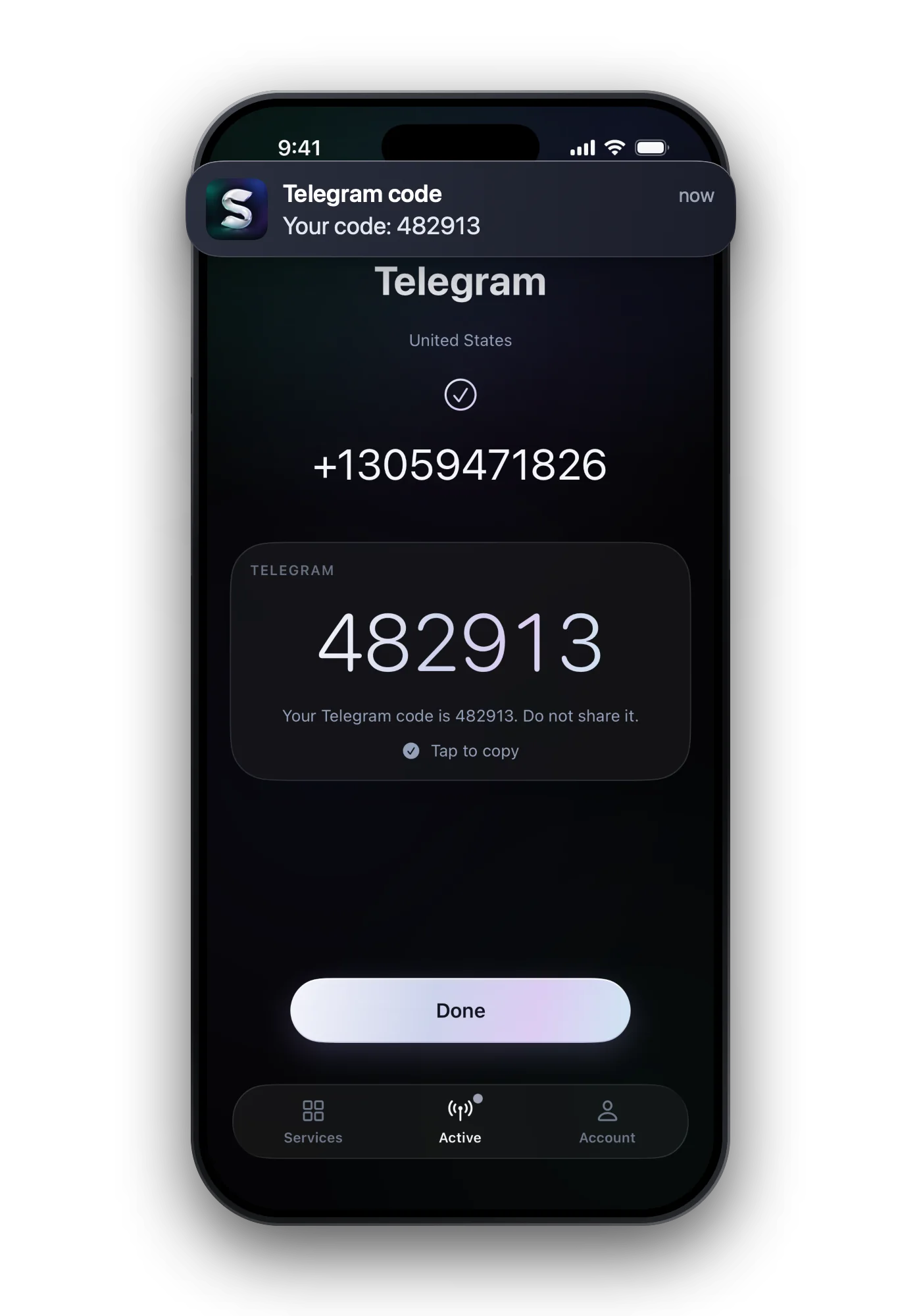

If you have used Telegram on another phone, tablet or computer recently, Telegram sends the login code into the app on that device instead of by SMS. Open Telegram there and look for the chat from Telegram with the blue check. Only when no other device is logged in does the code come by text, or by call where your carrier supports it.
Look in Telegram on your other devices first
- Find a logged-in device Your old phone, a tablet, Telegram Desktop or Telegram Web: any session that is still signed in to this number.
- Open the chat named Telegram It is the official service account with a blue check. Login codes appear there as a message.
- Type the five digits Enter them on the new device. Do not forward the code to anyone; Telegram never asks for it in a chat.
 Telegram at a glance
- Virtual numbers
- Depends on the number range
- Code sent by
- SMS · inside the app · phone call
- Code length
- 5 digits
- Asks for the number again later
- Yes
- One number per account
- Yes
Getting the code by SMS or call instead
| When it is used | What can stop it | |
|---|---|---|
| Code in the app | You were active on another device recently | No access to that device any more |
| SMS | No other session, or you chose SMS | Wrong format, carrier delays, a landline number |
| Phone call | Offered as another option | Unavailable with some carriers or only with two-step verification on |
- Enter the number in international format: country first, then the number without its leading zero.
- Telegram connects accounts to mobile numbers only. Landlines do not receive codes.
- If nothing works, Telegram has a contact form for login problems in its FAQ.
Too many attempts: when to wait
Repeated requests make Telegram stop sending codes for a while. Its FAQ names no length, so stop asking, check your other devices in the meantime, and try once more after several hours. More on the message: too many attempts.
Signing up on a new number
Each phone number is its own Telegram account. A new number starts empty and, because no device is signed in to it yet, the code goes out by SMS.
- For an account you will keep, use a number you keep: Telegram asks for it again when you log in on a new device.
- To keep your main number private for a separate account, a one-time number can take the first code. Set a password for two-step verification right after.
- Pick the country by its success rate in the app; Telegram turns down some ranges.
Common questions
Why does Telegram not send me an SMS?
Because you are logged in elsewhere. Telegram prefers to deliver the code inside the app on a device that already uses your account.
Where is the Telegram code on my other phone?
In the chat from Telegram, a verified profile with a blue check, at the top of your chat list.
I no longer have my old phone. How do I get the Telegram code?
If another device is still logged in, the code appears there. If none is, the code goes to your number by SMS. Without device and number, Telegram's FAQ points to its contact form for login problems.
Can I get the Telegram code by phone call?
Sometimes. Telegram says calls may be unavailable with some carriers or require two-step verification to be enabled.
Does Telegram work with a landline number?
No. Telegram accounts can only be connected to a mobile number.
How do I change the number on my Telegram account?
Go to Settings, tap your phone number above your username, then Change Number. Do it while you can still log in, so codes keep reaching you.