


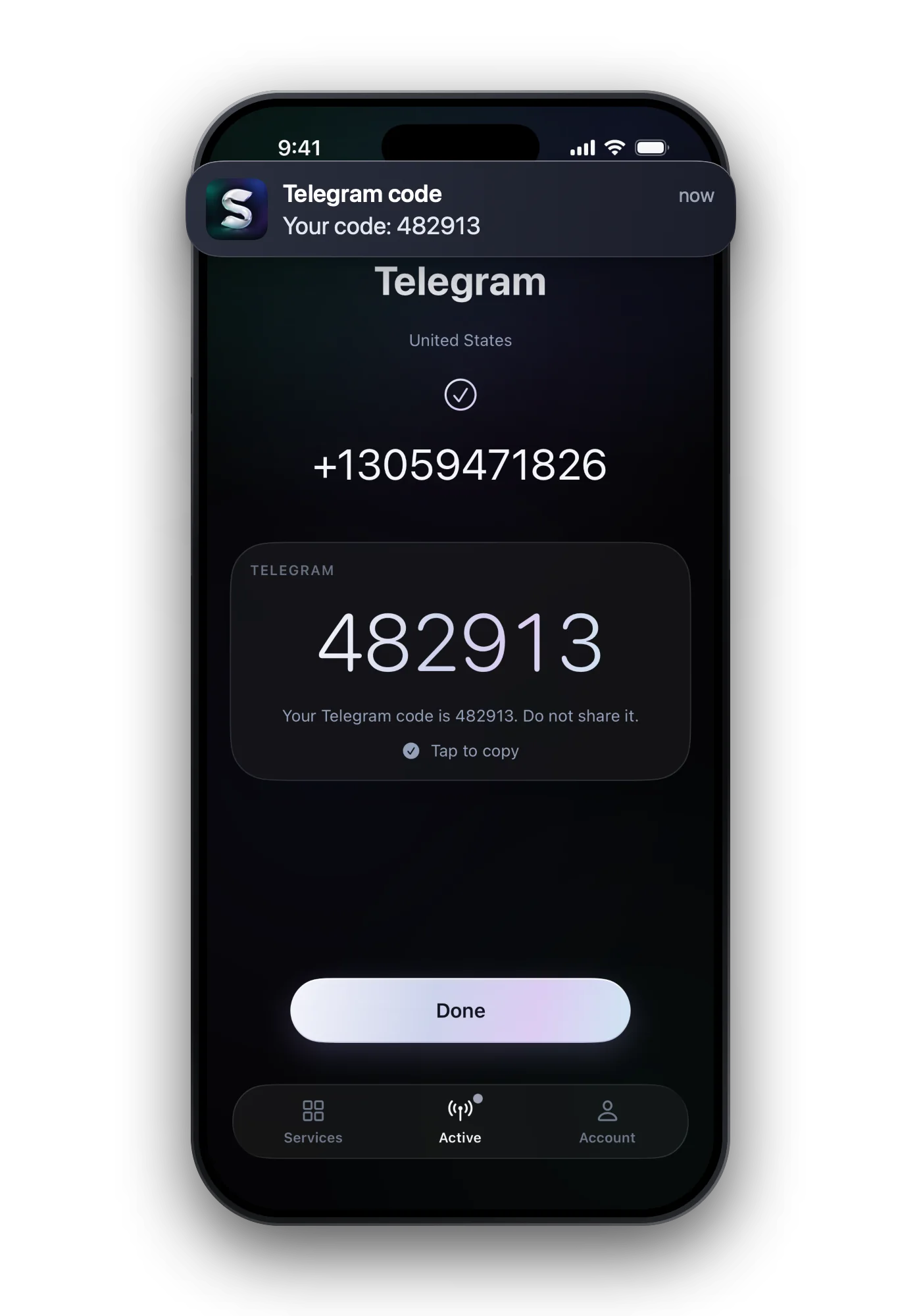
Snapchat sends its six-digit confirmation code by SMS, and on the same screen offers a phone call instead. If a text is late, wait briefly and ask once more; if Snapchat says too many requests, stop for 24 hours. When the phone route keeps failing, verify with your email address, which works on its own.
Where Snapchat sends the code
| When | What arrives | |
|---|---|---|
| SMS | Sign-up or Settings → Mobile Number | A six-digit code by text |
| Phone call | If you tap Call me instead | The code read out by an automated call |
| Some one-time codes | The code in a WhatsApp chat | |
| Google prompt | Some Android phones | No code: the carrier confirms the number |
| Verifying your email address | A verification email; check spam | |
| Login code | Two-factor login with SMS | A code to your linked mobile number |
 Snapchat at a glance
- Virtual numbers
- Depends on the number range
- Code sent by
- SMS · phone call
- Code length
- 6 digits
- Asks for the number again later
- No
- One number per account
- No
Code not arriving: what to check
- Pause, then one new request Snapchat's help suggests waiting briefly before requesting a fresh code. Several requests in a row can lock the SMS route.
- Check signal The phone needs mobile reception for a text. Wi-Fi alone is not enough for SMS.
- Allow texts from unknown senders Phones and filter apps can hide messages from numbers you have not saved. Look in the filtered folder too.
- Read the number back A single wrong digit or the wrong country sends the code to someone else.
- Stop at too many requests That message means you asked for too many SMS codes in a short time. Snapchat says to wait 24 hours.
Switching to a call or email
When the verification pop-up appears, Snapchat lets you choose between a text and a call. If texts keep going missing on your phone, the call is the second route Snapchat offers.
- Call: tap Call me instead and keep the phone free to answer.
- Email: add or verify your email under Settings. Snapchat accepts one verified contact, so a verified email alone keeps the account verified.
- Email in the app only: email verification does not work on the website.
- For logging in, an authenticator app or a passkey avoids SMS codes altogether, and Snapchat recommends them.
Changing the number on your account
- Open Settings Tap the gear icon on My Account.
- Go to Mobile Number Under My Account, select Mobile Number and type the new number.
- Tap Verify Choose SMS or a call and enter the code you receive, then tap Continue.
- A verified number can be swapped for another one, but not simply removed.
- One number can be verified on one Snapchat account only. Verifying it on a new account removes it from the old one.
- Lost the old number? Verify with your email instead and change the number from there.
Common questions
How long is the Snapchat verification code?
Six digits, by text or read out in a call.
How long do I have to wait after too many requests?
Snapchat's help says 24 hours. Leave the code screen alone until then.
Can I verify Snapchat without SMS?
Yes: by phone call, or by verifying your email address in the app instead of a number.
Why can't I verify the number I used on my old account?
A number can be verified on one account only. Verifying it on the new account moves it there and removes it from the old one.