



Bigo Live asks for a phone number on its sign-up screen and confirms it with a code by SMS. One number belongs to one account, and Bigo Live does not usually ask for the number again afterwards. When the code does not arrive, start with the number format, the country selected, and how many codes you have already requested.
How Bigo Live uses your phone number
The number is the account's anchor: Bigo Live checks it once at sign-up and uses it to tell accounts apart. Nothing about streaming requires viewers to know it, so treat it as private.
- Where
- The phone number screen at sign-up
- Code by
- SMS
- Per number
- One account
- Asks again later
- Not usually
 Bigo Live at a glance
- Virtual numbers
- Depends on the number range
- Code sent by
- SMS
- Asks for the number again later
- No
- One number per account
- Yes
Code not arriving: what to check
| What to do | |
|---|---|
| Country selector on the wrong country | Pick the country the number belongs to, then type the rest |
| National 0 kept after the country code | Drop it: +971 50…, not +971 050… |
| Several codes requested | Stop, wait a few minutes, request one and use only that |
| "Number already registered" | An account exists on it, perhaps an old one of yours; log in instead |
| Nothing at all after a few minutes | Check signal and your SMS spam filter, then try once more |
The number is an example of the format, not a real line.
Signing up with a number from another country
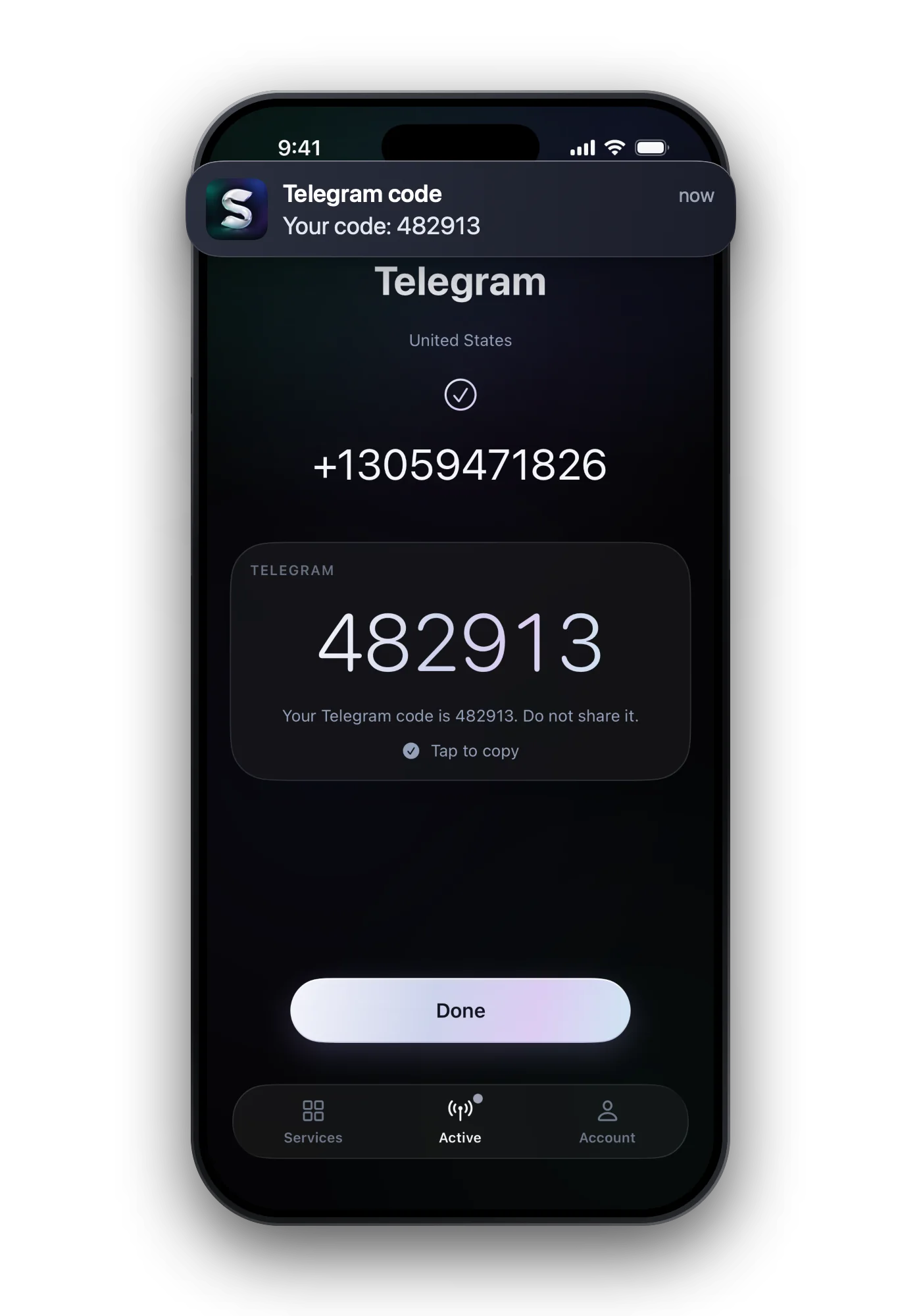
If your own number does not receive Bigo's code, or you want the streaming account kept apart from your private number, a number from another country is an option. Whether Bigo Live accepts a given range varies, which is why the success rate per country is worth a look before you pay.
- Choose by success rate, shown for each country in the web app, not by the country you live in.
- Finish the sign-up while the number is active. It stays yours for up to ten minutes.
- Add another way to log in if your account settings offer one, so you never depend on a number you no longer have.

Keeping your number away from viewers
- Never say or show your number in a stream, a caption or a chat. Recordings and screenshots outlive the stream.
- No viewer, agency or "support" contact needs a code from your phone. A request for one is an attempt to take over your account.
- Use a separate number if you want the streaming account kept apart from your private life.
Common questions
Why is my Bigo Live verification code not arriving?
Most often the wrong country is selected, a national 0 was typed after the country code, or several codes were requested in a row. Fix the number, wait a few minutes, and request one code.
Can I have two Bigo Live accounts on one number?
No. One number is tied to one Bigo Live account, so a second account needs a second number.
Does Bigo Live ask for the number again?
Not usually. The number is checked at sign-up; still, add another way to log in if Bigo Live offers one, so the account does not depend on it.
Can someone take over my Bigo Live account with a code?
Only if you give them the code. Bigo Live sends it to prove you hold the number; anyone who asks you for it, in a chat or a call, is trying to get into your account.