



Yes, you can make an Instagram account without a phone number. On the sign-up screen you can enter an email address instead, and Instagram sends the confirmation code there. Later Instagram may suggest adding a number, but it only gets added if you choose to, and you can log in with your password, an authentication app or backup codes.
Signing up with email instead of a number
- Start a new account In the Instagram app tap Create New Account, or sign up on Instagram.com. You must be at least 13.
- Enter your email address Use the email option instead of a mobile number. Pick an address only you can open: it is how you get back in after a forgotten password.
- Type the confirmation code Instagram sends it to that address. Check junk mail if it is not there after a few minutes.
- Finish the profile Password, your own birthday, name and username. A profile picture can wait.
When Instagram asks for a number anyway
Instagram's help lists the situations in which it asks you to confirm a number or email. None of them forces a number onto your account.
| What it means | What you can do | |
|---|---|---|
| You started adding one but did not confirm it | An unfinished step | Confirm it or remove it |
| Time has passed since your last update | A routine check of your contact details | Confirm your email instead |
| Your device suggests a number | Instagram read it from the phone | Dismiss it; it is only added if you choose |
| You have not added any number | Instagram shows you how | Skip it |
 Instagram at a glance
- Virtual numbers
- Depends on the number range
- Code sent by
- SMS
- Code length
- 6 digits
- Asks for the number again later
- Yes
- One number per account
- No
Logging in without your phone
- Password and email: a forgotten password is reset through the confirmed email.
- Authentication app: Instagram recommends it for two-factor login, and it needs no number.
- Backup codes: save them while you are logged in; each works once when no other code can reach you.
- Trusted device: a phone or computer you marked as trusted does not need a code next time.
Keeping your number off your profile
Instagram states that mobile numbers and email addresses are always private on your account. If you add a number, other people do not see it on your profile.
- What Instagram does with it: logins and password resets, account notifications, suggesting accounts from contacts, and matching for ads.
- The phone confirmation badge in About this account shows that a number was confirmed, not which one. You can show or hide it where the feature exists.
- Removing a number works at any time, as long as one confirmed email or number stays on the account.
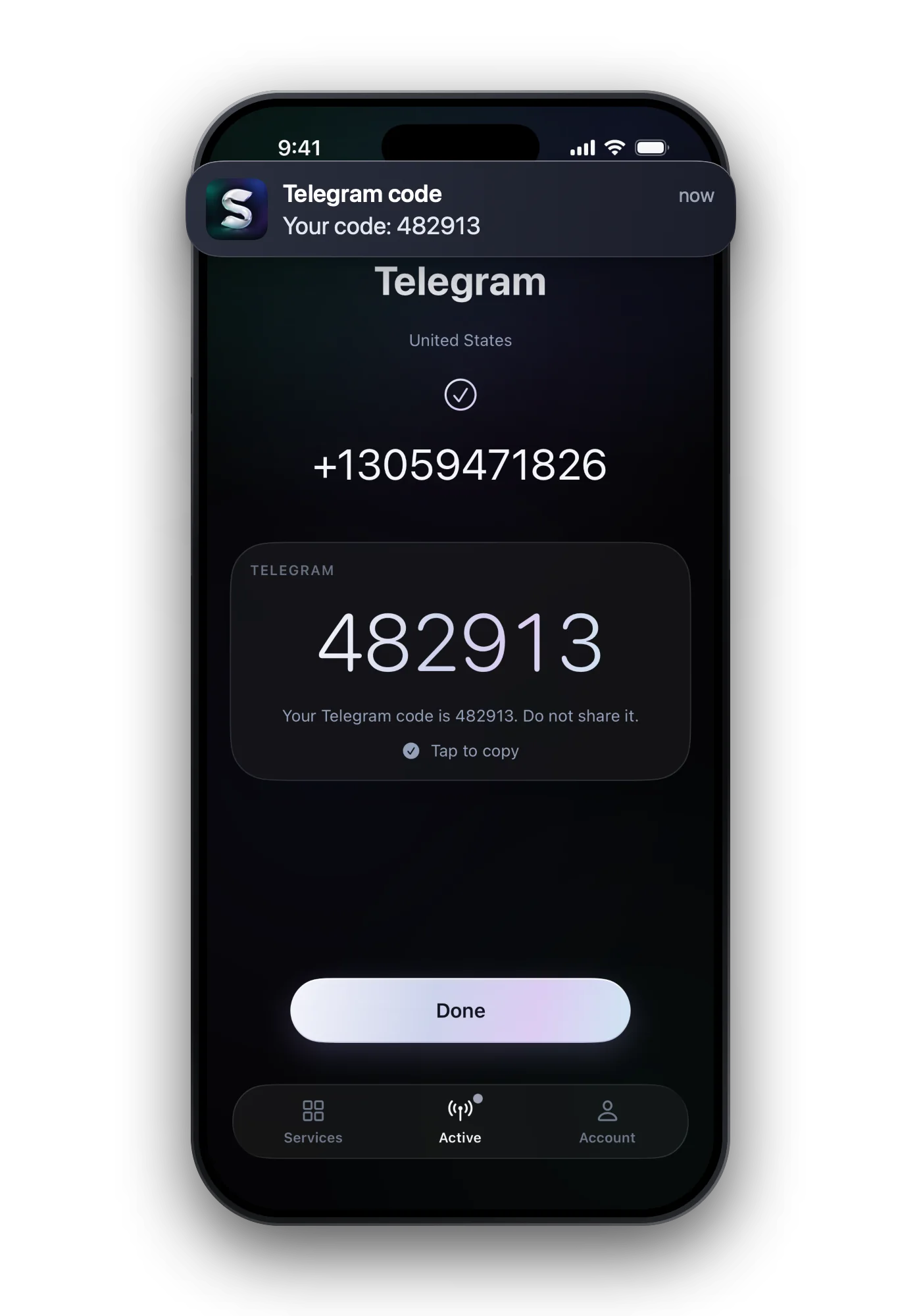
Want a number on the account without handing out your personal one? A one-time number can take a single sign-up code, but Instagram may ask for the number again, so keep your email and backup codes as the real way back in. Code trouble: Instagram code not arriving.
Common questions
Can you make an Instagram account without a phone number?
Yes. Choose email on the sign-up screen and confirm the code Instagram sends to your inbox.
Is my phone number visible on Instagram?
No. Instagram says mobile numbers and email addresses are always private on your account.
Can I remove my phone number from Instagram?
Yes, as long as at least one confirmed email address or number remains on the account.
How do I log in to Instagram without my phone?
With your password, then an authentication app, a backup code or a trusted device if two-factor login is on.