


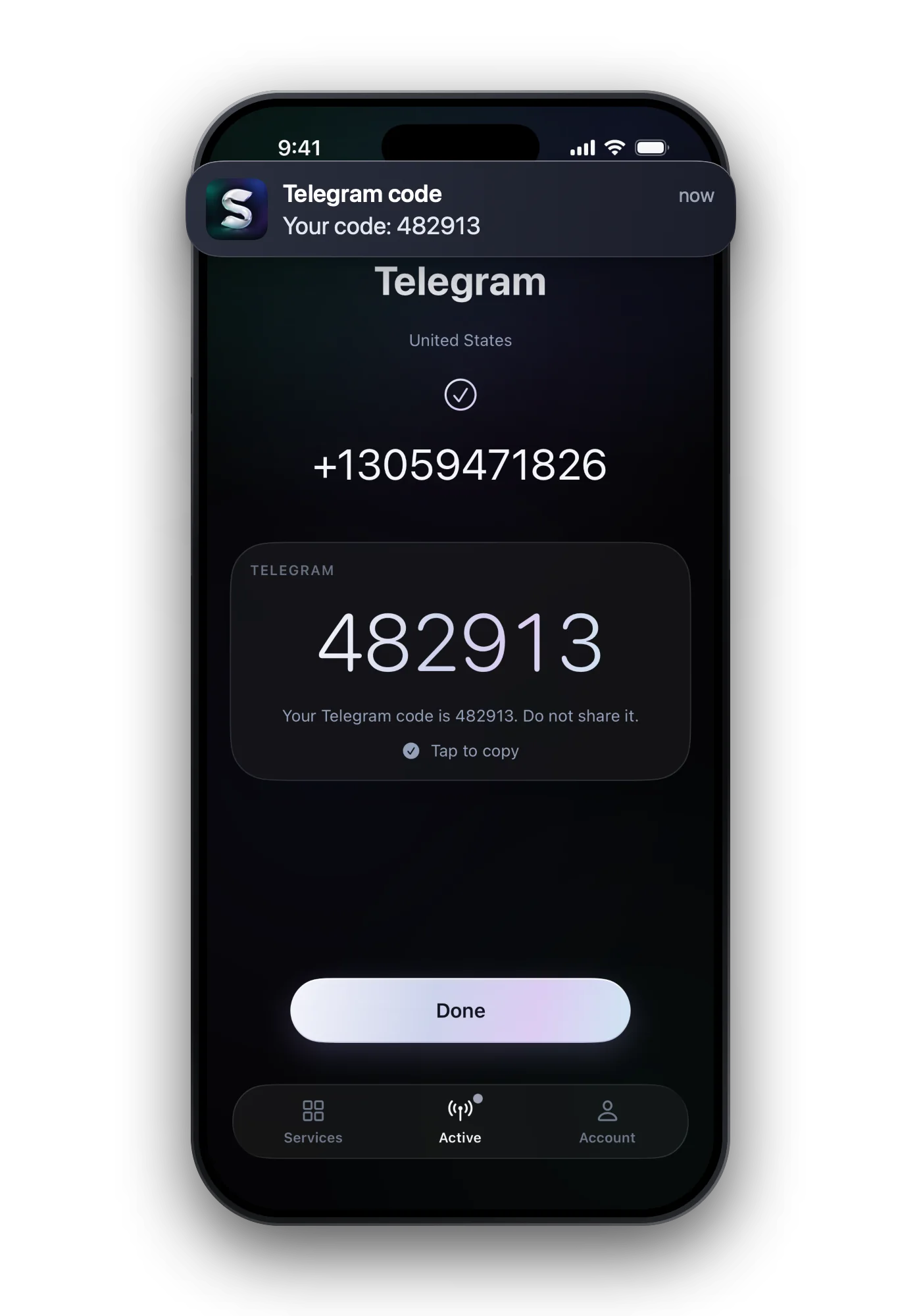

Discord asks you to verify a phone number in two cases: a server you joined is set to the Highest verification level, or Discord's safety system flagged activity that looks automated. You add a mobile number, Discord texts a six-digit code, and you type it in. Landline, VoIP and burner numbers are refused, and one number can sit on one account at a time.
Why a server asks you to verify a phone
| What a member needs before chatting | |
|---|---|
| None | Nothing |
| Low | A verified email |
| Medium | A verified email, and more than five minutes since registering |
| High | As Medium, plus more than ten minutes as a member of the server |
| Highest | All of the above plus a verified phone number |
Discord's rule: a verified phone number supersedes all other requirements, so it lets you take part in servers at any level.
Without a server asking, Discord may show Verification Required on its own. Its help names the triggers: joining many servers quickly, messaging many people who are not your friends, posting faster than a person could, or using third-party clients and modifications.
Adding a number step by step
- Open the prompt or your settings Tap Start Verification on the prompt, or go to User Settings → My Account → Phone.
- Choose the country and enter a mobile number Formatted correctly for that country, and not attached to another Discord account.
- Solve the captcha if one appears It is part of the same safety check.
- Enter the six-digit code Discord sends it by SMS. Type it in and the verification is done.
Why some numbers are refused
| Meaning | What to do | |
|---|---|---|
| Invalid phone number | Wrong format, or a VoIP, burner or landline number | Use a mobile number in the right format |
| Rate limit or recently used | The number is in a timeout | Wait 24 to 48 hours before trying it again |
| Existing account | The number already sits on another account | Remove it there first, or use another number |
| Captcha trouble | The extra check failed | Contact Discord support |
Discord checks the number itself: it has to belong to a mobile network. If you verify with a number from the app, compare the success rate per country before paying, and pick SMS: our numbers cannot take calls.
One number, how many accounts?
One. Discord's help states that a phone can be registered with one Discord account at a time. Moving it to a second account means removing it from the first.
- Discord uses the number for safety and security, and for Find Your Friends only if you opt in.
- Once verified, the number normally stays on the account; Discord does not routinely ask for it again.
- Want your personal number out of Discord? Verify once with a separate number for the code; the account stays verified.
Common questions
Why does Discord say my phone number is invalid?
Either the format is wrong for the country, or Discord sees it as a landline, VoIP or burner number, which it does not accept.
Can I use the same phone number on two Discord accounts?
Not at the same time. A number can be registered with one Discord account; remove it from one before adding it to another.
How long do I wait after a rate limit on my number?
Discord's help says 24 to 48 hours before verifying that number again.
Do I need a phone to use Discord at all?
No. You sign up with email. A phone is only needed when Discord or a server's verification level asks for one.